
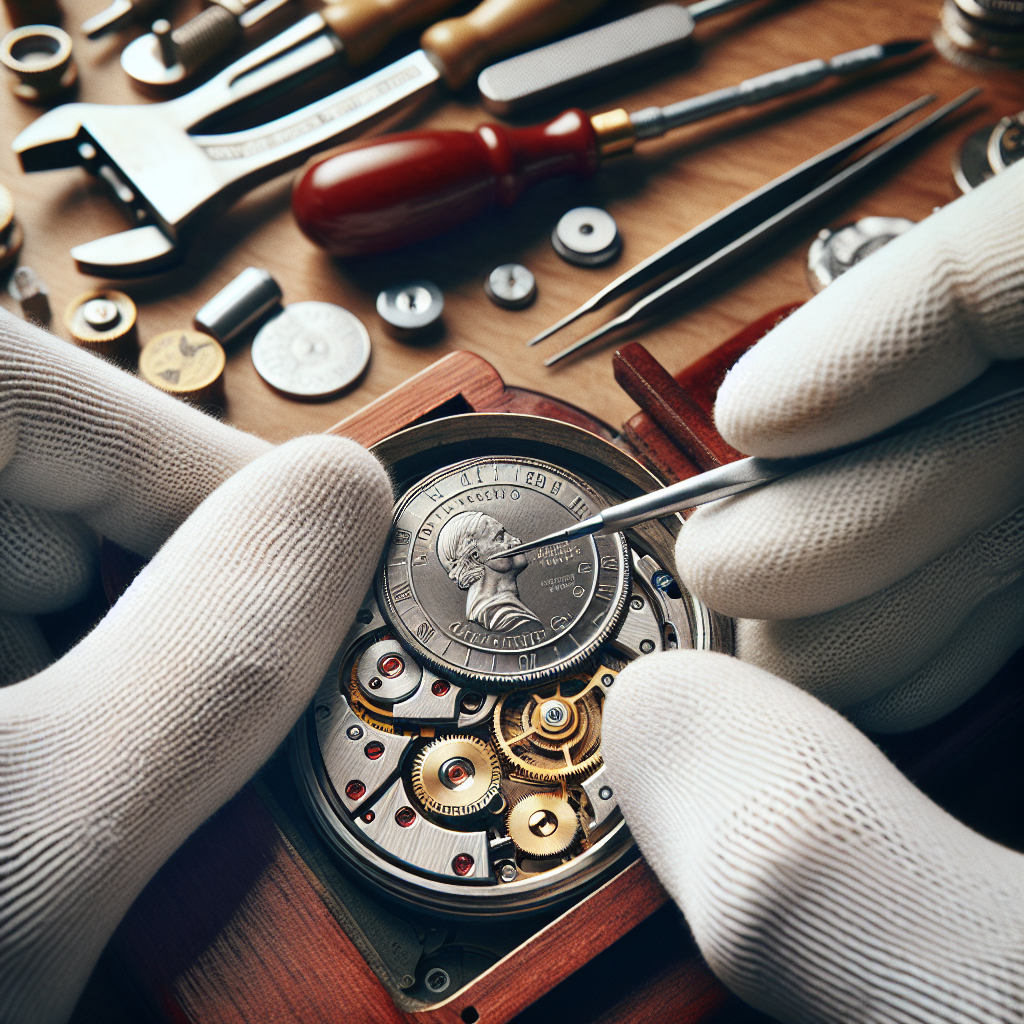
Watches have always held a unique fascination for many, symbolizing not just the passage of time but also personal style and craftsmanship. However, one of the most common issues watch owners face is the need to replace the battery. While it might be tempting to ignore a malfunctioning watch, understanding the importance of timely battery replacement can extend your timepiece’s life. In this article, we’ll explore when and how to replace your watch battery, ensuring that your cherished accessory continues to keep time beautifully.
Understanding Your Watch: Types of Movement
Before diving into the specifics of battery replacement, it’s essential to understand the type of watch you own. Watches typically fall into three categories based on their movement:
-
Quartz Watches: These are the most common type of battery-operated watches. They use a battery to send an electric current to a quartz crystal, which keeps time accurately.
-
Automatic Watches: While these watches do not require a battery, they have intricate mechanisms driven by the movement of the wearer’s wrist. They can wind themselves and generally only need a battery if the mechanism includes quartz technology.
-
Mechanical Watches: These rely entirely on intricate gears and springs, with no battery involved. They need manual winding or can be automated through wrist movement.
For this article, we will focus primarily on quartz watches, as they typically require battery replacement.
When to Replace Your Watch Battery
Knowing when to replace your watch battery is crucial in preventing additional damage to your watch. Here are key indicators that signal it’s time for a battery change:
1. Timekeeping Issues
If your watch begins to lose time, or if the second hand stutters instead of moving smoothly, it may be a sign of a dying battery. In many cases, watch batteries can last anywhere from 1 to 3 years, so if you’re reaching that mark, it’s time to consider a replacement.
2. Watch Stopped Completely
Often, when a watch stops entirely, it indicates that the battery is dead. However, some watches have a protective feature where they will stop to conserve energy when the battery is low. If you notice your watch has stopped, it’s best to check the battery.
3. Corrosion or Leakage
If you notice any corrosion around the battery compartment or leakage, you should replace the battery immediately. This could not only prevent your watch from functioning but could also cause long-term damage to its internal mechanisms.
4. Low-Battery Warning Features
Some higher-end watches come equipped with indicators that alert you when the battery is low. If your watch has such a feature, don’t ignore it; replacing the battery promptly can prevent you from missing out on the functionality of your timepiece.
5. Regular Maintenance
Even if your watch is functioning well, consider replacing the battery during regular maintenance checks. This could be once every couple of years, depending on usage and brand recommendations.
How to Change a Watch Battery
Changing a watch battery can be a simple task or a bit complex, depending on your watch’s design. Here’s a straightforward guide:
What You’ll Need
- Replacement battery (check the specific type required for your watch)
- Small screwdriver (often a Phillips or flat-head)
- Tweezers
- Plastic case knife (for prying open the back)
- Soft cloth
Steps to Replace the Battery
1. Prepare Your Workspace
Find a clean, well-lit area to work. Lay down a soft cloth to prevent scratches on the watch.
2. Open the Case Back
Use a case knife or a small screwdriver to gently pry off the case back. Depending on the watch, it may be a screw-down case or snap-off. If it’s the former, you’ll need to unscrew it carefully.
3. Remove the Old Battery
Take note of how the old battery is positioned. Use tweezers to gently lift it out of its compartment. Be cautious to avoid touching any internal components.
4. Insert the New Battery
Using tweezers, place the new battery in the same orientation as the old one. Ensure it fits snugly and securely.
5. Reassemble the Watch
Replace the case back by snapping or screwing it back in place. Ensure it’s secure but avoid over-tightening.
6. Test the Watch
Set the time and check to see whether the watch is functioning correctly. If the second hand is moving smoothly, you’ve successfully replaced the battery.
Tips and Precautions
- Use the Correct Tools: Invest in a proper watch repair kit for ease.
- Be Gentle: Internal watch components can be fragile; handle all parts with care.
- Avoid Static: If you’re working on an electronic watch, be mindful of static electricity, which can damage some components.
When to Seek Professional Help
While many watch enthusiasts choose to replace batteries at home, there are times when seeking professional help is the best option:
-
Complex Designs: If your watch has additional features like chronographs or is a high-end luxury watch, professional help is recommended.
-
Water-Resistant Watches: To maintain water resistance, it’s best to allow a professional to reseal your watch after battery replacement.
-
Older or Vintage Watches: Vintage timepieces may require special handling, and it’s usually safer to consult an expert.
-
Lack of Tools or Confidence: If you’re unsure about the process, don’t hesitate to seek help. A professional watchmaker can replace the battery quickly and efficiently.
Conclusion
Knowing when and how to replace your watch battery can help prolong the lifespan of your timepiece and keep it functioning at its best. Whether you choose to tackle the task yourself or seek professional assistance, regular battery care is an integral part of watch ownership. By staying attuned to the needs of your watch, you not only maintain its value but also preserve the memories tied to your timepiece. So, keep your eyes on the time and ensure that your cherished accessory ticks along seamlessly for years to come!